
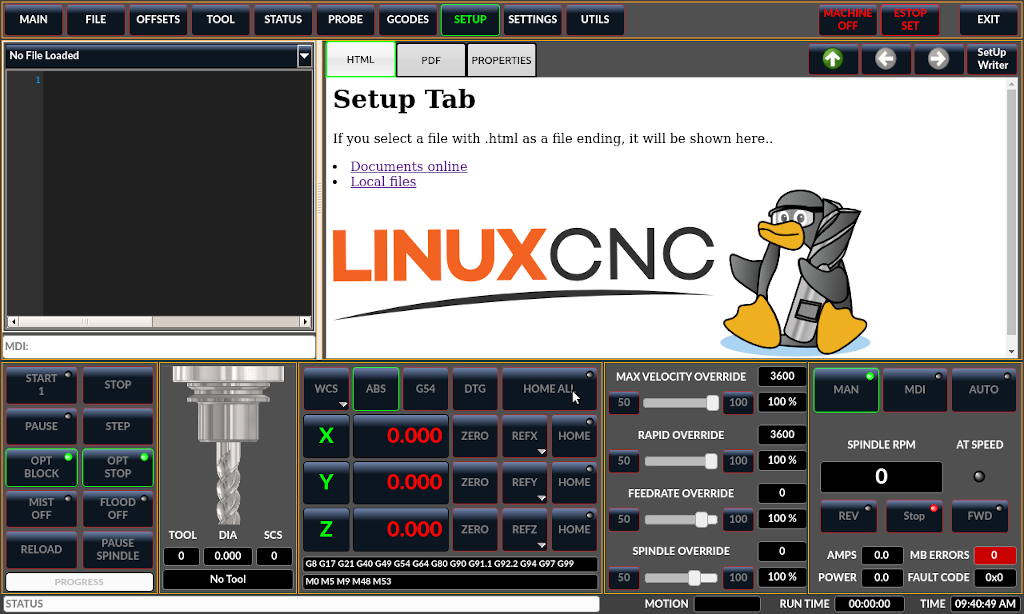
LinuxCNC is an open-source CNC control system designed to run on Linux with a real-time kernel. It interprets G-code, plans motion trajectories, and outputs step/dir signals or interfaces with hardware to control CNC machines. For most hobbyists, a DIY LinuxCNC system seems less straightforward compared to GRBL. This list combines much of our hands-on experience, and after we went through these hardware components one by one, it turned out to be not as complicated as we had imagined.
Core Controller
| Component | Usage | Notes | In-Store Link |
| Raspberry Pi 4 | Runs LinuxCNC Software | Or PC | |
| Raspberry Pi LCD Screen (Option) | Monitor of Raspberry, can be touch screen of LinuxCNC | ||
| Raspberry Pi 40 Pins Terminal Board (Option) | To make the wiring on Pi is more easier | ||
| (Option) EtherCAT Bus-Driver | Stepper motor controller | ||
Use EtherCAT bus-driver
- Install the ethercat: sudo apt install ethercat-master
- modify the /etc/ethercat.conf:
MASTER0_DEVICE="eth0"
DEVICE_MODULES="generic"- start ethercat service: systemctl start ethercat
- connect at least three EtherCAT driver, and test the connection: ethercat slaves. It should shows the three drivers
- Test the function: sudo ethercat pdos